
Vibe Coding for lawyers

I want to tell my fellow lawyer coders about this new thing called Vibe Coding.

So, what is it? Vibe coding is an AI-powered development approach where a human communicates with an AI agent in natural language to generate functional code, focusing on high-level ideas and outcomes rather than intricate coding details. Popularised by OpenAI co-founder Andrej Karpathy in early 2025, this method allows users to describe desired app functionality and rely on the AI to handle implementation, accelerating development and making it accessible to those with limited programming experience.

Vibe coding allows you as a developer to concentrate on the creative aspects of app building, like user experience and functionality, instead of getting bogged down in technical specifics. Technical specifics always slowed down my coding and left me frustrated.

You essentially prompt your way to producing beautiful code.

Here is an example. Using your favourite AI product such as ChatGPT or Claude use the prompt

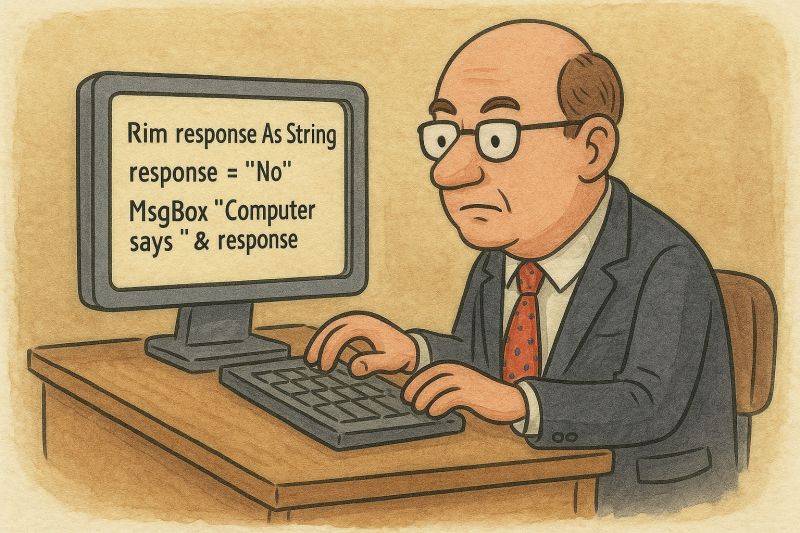
"create me a VBA macro that searches through a word document to find Capitalised terms." 

You will receive something like the visual basic code below, as your output from the prompt
Option Explicit

' =========================
' CAPITALISED TERMS FINDER
' =========================
' Scans the main body of the active document for Title-Case terms (1–5 words),
' skips first word of each sentence, deduplicates, counts, and reports:
' Term | Count | First Page | First Context.
'
' Run: FindCapitalisedTerms_Report
' -------------------------

Sub FindCapitalisedTerms_Report()
Dim results As Object: Set results = CreateObject("Scripting.Dictionary")
Dim stopList As Object: Set stopList = BuildStopList()

' ---- Regex setup (safe pattern) ----
Dim rx As Object: Set rx = CreateObject("VBScript.RegExp")
rx.Global = True
rx.IgnoreCase = False
rx.Multiline = True
' 1–5 Title-Case words; allow internal hyphen or apostrophe (straight or curly)
' NOTE: hyphen is first in the char class to avoid "invalid range" errors.
rx.Pattern = "\b(?:[A-Z][a-z]{2,}(?:[-’'][A-Za-z]{2,})?)(?:\s+(?:[A-Z][a-z]{2,}(?:[-’'][A-Za-z]{2,})?)){0,4}\b"

Dim doc As Document: Set doc = ActiveDocument

' Work only in the main story (avoids header/footer/textbox surprises)
Dim bodyRng As Range
Set bodyRng = doc.StoryRanges(wdMainTextStory)

Dim s As Range, scanRng As Range
Dim m As Object, matches As Object
Dim term As String
Dim startInDoc As Long, lengthInDoc As Long, pg As Long
Dim ctx As String

For Each s In bodyRng.Sentences
If s.words.Count > 1 Then
Set scanRng = s.Duplicate
' Skip the first word (most common false positive)
On Error Resume Next
scanRng.Start = s.words(2).Start
If Err.Number <> 0 Then
Err.Clear
On Error GoTo 0
GoTo NextSentence
End If
On Error GoTo 0

' Guard Execute with Test (avoids odd range errors)
If rx.Test(scanRng.Text) Then
Set matches = rx.Execute(scanRng.Text)
For Each m In matches
term = Trim$(m.Value)
If ShouldKeepTerm(term, stopList) Then
startInDoc = scanRng.Start + m.FirstIndex
lengthInDoc = m.Length

Dim hitRng As Range
Set hitRng = doc.Range(startInDoc, startInDoc + lengthInDoc)

' Page lookup can fail in unusual views/objects; guard it.
On Error Resume Next
pg = hitRng.Information(wdActiveEndAdjustedPageNumber)
If Err.Number <> 0 Then
Err.Clear: pg = 0
End If
On Error GoTo 0

ctx = GetContextSnippet(doc, startInDoc, lengthInDoc, 45)

If results.Exists(term) Then
Dim parts() As String
parts = Split(results(term), "|", 3)
parts(0) = CStr(CLng(parts(0)) + 1)
results(term) = Join(parts, "|")
Else
results.Add term, "1|" & CStr(pg) & "|" & ctx
End If
End If
Next m
End If
End If
NextSentence:
Next s

RenderReport results
MsgBox "Capitalised-terms report created.", vbInformation
End Sub

' -------------------------
' Filtering
' -------------------------
Private Function ShouldKeepTerm(ByVal term As String, ByVal stopList As Object) As Boolean
Dim t As String: t = Trim$(term)

' Exclude ALL-CAPS tokens outright
If t = UCase$(t) Then ShouldKeepTerm = False: Exit Function

' Single word?
If InStr(t, " ") = 0 Then
If Len(t) < 3 Then ShouldKeepTerm = False: Exit Function
If stopList.Exists(t) Then ShouldKeepTerm = False: Exit Function
Else
' For multi-word terms, keep if at least one word isn't on the stop list
Dim words() As String, i As Long, ok As Boolean
words = Split(t, " ")
ok = False
For i = LBound(words) To UBound(words)
If Not stopList.Exists(words(i)) Then ok = True: Exit For
Next i
If Not ok Then ShouldKeepTerm = False: Exit Function
End If

ShouldKeepTerm = True
End Function

Private Function BuildStopList() As Object
Dim d As Object: Set d = CreateObject("Scripting.Dictionary")
Dim arr As Variant
arr = Array( _
"The", "A", "An", "And", "Or", "Of", "For", "To", "In", "On", "At", "By", _
"I", "You", "We", "He", "She", "They", _
"Monday", "Tuesday", "Wednesday", "Thursday", "Friday", "Saturday", "Sunday", _
"January", "February", "March", "April", "May", "June", "July", "August", "September", "October", "November", "December", _
"Section", "Schedule", "Figure", "Table")
Dim i As Long
For i = LBound(arr) To UBound(arr): d(arr(i)) = True: Next i
Set BuildStopList = d
End Function

' -------------------------
' Context & utilities
' -------------------------
Private Function GetContextSnippet(doc As Document, ByVal startInDoc As Long, ByVal lengthInDoc As Long, ByVal wing As Long) As String
Dim L As Long, R As Long
L = MaxLng(0, startInDoc - wing)
R = MinLng(doc.Content.End, startInDoc + lengthInDoc + wing)

Dim leftR As Range, rightR As Range, hitR As Range
Set hitR = doc.Range(startInDoc, startInDoc + lengthInDoc)
Set leftR = doc.Range(L, startInDoc)
Set rightR = doc.Range(startInDoc + lengthInDoc, R)

GetContextSnippet = "…" & CleanOneLine(leftR.Text) & "[" & _
CleanOneLine(hitR.Text) & "]" & _
CleanOneLine(rightR.Text) & "…"
End Function

Private Function CleanOneLine(ByVal s As String) As String
s = Replace$(s, vbCr, " ")
s = Replace$(s, vbLf, " ")
s = Replace$(s, Chr$(160), " ")
Do While InStr(s, " ") > 0
s = Replace$(s, " ", " ")
Loop
CleanOneLine = Trim$(s)
End Function

Private Function MinLng(a As Long, b As Long) As Long
If a < b Then MinLng = a Else MinLng = b
End Function

Private Function MaxLng(a As Long, b As Long) As Long
If a > b Then MaxLng = a Else MaxLng = b
End Function

' -------------------------
' Report rendering
' -------------------------
Private Sub RenderReport(results As Object)
Dim outDoc As Document: Set outDoc = Documents.Add
outDoc.Activate

Selection.Style = wdStyleHeading1
Selection.TypeText "Capitalised Terms"
Selection.TypeParagraph
Selection.Style = wdStyleNormal
Selection.TypeText "Generated: " & Format(Now, "yyyy-mm-dd hh:nn")
Selection.TypeParagraph: Selection.TypeParagraph

Dim n As Long: n = results.Count
If n = 0 Then
Selection.TypeText "No capitalised terms found (given current heuristics)."
Exit Sub
End If

Dim tbl As Table
Set tbl = outDoc.Tables.Add(Selection.Range, n + 1, 4)
With tbl
.Style = "Table Grid"
.Cell(1, 1).Range.Text = "Term"
.Cell(1, 2).Range.Text = "Count"
.Cell(1, 3).Range.Text = "First Page"
.Cell(1, 4).Range.Text = "First Context"
.Rows(1).Range.Bold = True
End With

' Alphabetical sort for a traditional, predictable report
Dim keys() As String, i As Long, row As Long, k As Variant, parts() As String
ReDim keys(0 To n - 1)
i = 0
For Each k In results.keys: keys(i) = CStr(k): i = i + 1: Next k
QuickSort keys, LBound(keys), UBound(keys)

row = 2
For i = LBound(keys) To UBound(keys)
parts = Split(results(keys(i)), "|", 3)
tbl.Cell(row, 1).Range.Text = keys(i)
tbl.Cell(row, 2).Range.Text = parts(0)
tbl.Cell(row, 3).Range.Text = parts(1)
tbl.Cell(row, 4).Range.Text = parts(2)
row = row + 1
Next i

tbl.Columns(1).PreferredWidthType = wdPreferredWidthPercent: tbl.Columns(1).PreferredWidth = 25
tbl.Columns(2).PreferredWidthType = wdPreferredWidthPercent: tbl.Columns(2).PreferredWidth = 10
tbl.Columns(3).PreferredWidthType = wdPreferredWidthPercent: tbl.Columns(3).PreferredWidth = 10
tbl.Columns(4).PreferredWidthType = wdPreferredWidthPercent: tbl.Columns(4).PreferredWidth = 55
End Sub

' Simple case-insensitive quicksort for string arrays
Private Sub QuickSort(arr() As String, ByVal first As Long, ByVal last As Long)
Dim i As Long, j As Long, pivot As String, temp As String
i = first: j = last
pivot = arr((first + last) \ 2)
Do While i <= j
Do While StrComp(arr(i), pivot, vbTextCompare) < 0: i = i + 1: Loop
Do While StrComp(arr(j), pivot, vbTextCompare) > 0: j = j - 1: Loop
If i <= j Then
temp = arr(i): arr(i) = arr(j): arr(j) = temp
i = i + 1: j = j - 1
End If
Loop
If first < j Then QuickSort arr, first, j
If i < last Then QuickSort arr, i, last
End Sub


How to use

-Open your Word doc which includes the contract (which includes Defined Terms).

-Press Alt+F11 → Insert → Module → paste the code from the AI product you used.

-Close the editor and run View → Macros → FindCapitalisedTerms_Report. A new document appears with a table: Term | Count | First Page | First Context.
with the
  • Amazing. This would have taken weeks without Vibe coding!

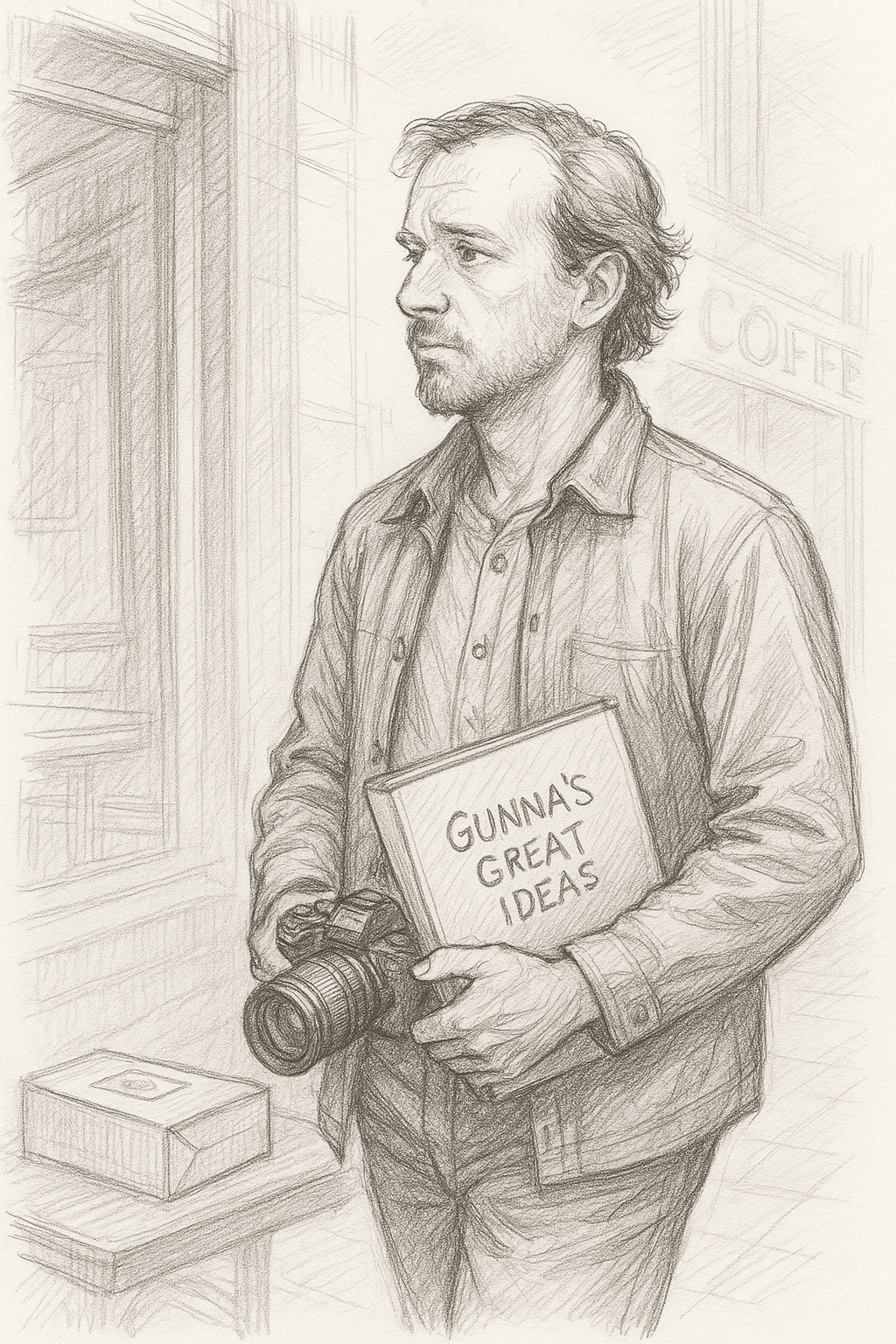
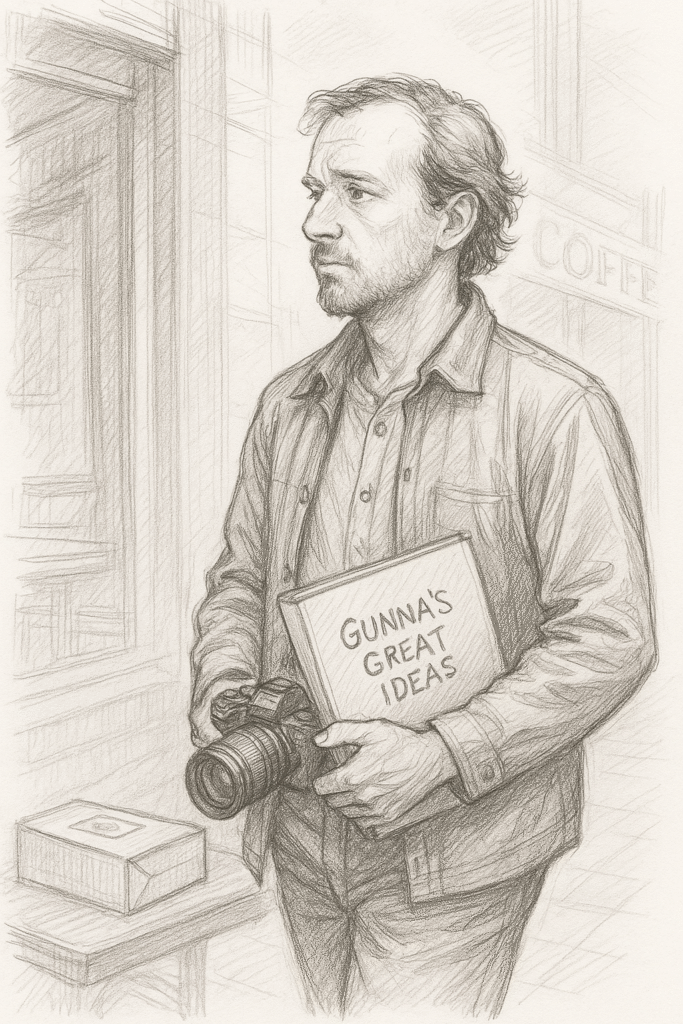
Gunna was a man of ideas

Gunna was a man of ideas. His mind was a constant whirl of thoughts, a river of inspiration that never stopped flowing. Ideas came to him at every hour of the day and night, each one more brilliant than the last. He had a brilliant concept for a business, a new invention that would change the world, a novel that could be a bestseller, even a screenplay that would make him famous. But despite the storm of creativity that flooded his brain, Gunna never got to any of them.

 The problem wasn’t that he lacked the drive. He was passionate about his ideas. He would lie awake at night, his mind racing, as he mentally sketched out plans and strategies for every dream he had. But when it came time to actually sit down and bring those ideas to life, something always held him back.

It wasn’t laziness. Gunna had energy to spare. It wasn’t even fear of failure, though that sometimes crept in. It was simply the overwhelming nature of his thoughts. Each new idea felt more exciting than the last, and in trying to tackle them all, Gunna never seemed to make any progress. He would start one project, then get distracted by another, then another, until he had a dozen half-finished endeavors, each one slowly gathering dust.

He once bought a high-end camera with the intention of becoming a photographer. He had it for months before the lens ever touched the outside world. He started writing a novel, outlining the plot and creating detailed character sketches, but then another idea popped up—a mobile app idea that could make millions. The app was going to be a game-changer. He bought coding courses, began learning to program, but his interest shifted when he heard about an online course for graphic design. “I could make my own logo,” he thought, “why pay someone else?” And so, the app was shelved, the graphic design courses half-finished, and the camera still sat untouched.

Gunna’s friends tried to understand. They could see the potential in him, and they often encouraged him to focus. “Gunna,” his best friend Andrew said once, “if you just picked one thing and stuck with it, you could really do something amazing.” But Gunna always brushed it off. “Yeah, I know, but what about this new idea I have? What if this one’s the one?” And so, the cycle continued.

Years passed, and Gunna had become a legend in his own right, though not in the way he’d hoped. He was known for his “great ideas” among his friends and colleagues, who half-admired him, half-rolled their eyes at his constant shifting focus. “Gunna’s the guy with all the ideas, but never any results,” they would joke, and while it stung, Gunna couldn’t argue. He was the guy with all the ideas. But results? Those remained out of reach.

One day, while sitting in a coffee shop with Andrew, Gunna had yet another idea. He looked across the room and saw a man reading a book about digital marketing. Suddenly, inspiration struck. “What if I create a service that helps people market their ideas? I could teach people how to turn their dreams into businesses, how to focus and execute. I could be a consultant!” he said, his eyes lighting up.

Andrew stared at him, then shook his head with a tired smile. “You know, Gunna, you’ve had that idea before. And the one about the app, and the novel, and the camera project… Maybe it’s time to focus on one thing and follow through.”

Gunna sat back, taking in the words. He hadn’t really thought about it that way before. He was so busy chasing the next big idea that he’d lost sight of the one thing that could turn all his dreams into reality: action.

That night, Gunna did something different. Instead of starting a new project, he opened a folder on his laptop, the one Andrewed “Gunna’s Great Ideas.” Inside were dozens of unfinished plans, sketches, outlines, and notes. He sat there for hours, reading through them all, realizing how many of those ideas had so much potential. But none of them mattered if they stayed locked away in his head.

The next morning, Gunna made a decision. He was going to finish something. Anything. He picked up his camera and went for a walk. The first few shots weren’t perfect, but it didn’t matter. He kept going, learning with every click of the lens. Slowly, he began to finish things. A website, a small business idea, a blog. Each project, though imperfect, was a step closer to where he wanted to be.

Years later, Gunna wasn’t known as the guy with endless ideas. He was known as the man who finished what he started. His friends no longer joked about his unfinished plans because they had all become a reality. And though he still had new ideas, Gunna had learned one invaluable lesson: the best ideas are the ones you actually do.

Gunna never stopped dreaming, but now, he also knew how to make those dreams come true. And in the end, that was all he really needed.

From Fire to Artificial Intelligence: Harnessing Power for Progress or Peril?


The control of fire and the development of artificial general intelligence (AI) are both transformative milestones in human history, expanding our capabilities while introducing significant risks. Fire allowed early humans to cook food, stay warm, and protect themselves, leading to biological and social advancements. Similarly, AI has the potential to revolutionise industries, automate cognitive tasks, and drive scientific breakthroughs.

A key similarity is the challenge of control. Fire, while beneficial, also caused destruction through wildfires and accidents. Early societies had to develop methods to contain and regulate its use. Likewise, AI presents risks such as misaligned decision-making, ethical concerns, and unintended consequences. Just as humans mastered fire through safety measures, AI must be governed carefully to prevent harm.

Another difference is pace—fire was integrated over millennia, while AI could emerge within decades, requiring immediate safeguards. If left unchecked, AI could lead to mass unemployment, security risks, or loss of human oversight.

Ultimately, both fire and AI represent dual potential—great advancement or catastrophic consequences. Learning from history, humanity must proactively manage AI through regulations and ethical frameworks, ensuring that it serves as a force for progress rather than destruction.

Is forgiveness a weakness?


I often get asked to advise on disputes. Most of the time the parties are well entrenched. They are reluctant to back down from their position. Sometimes things turn ugly.

Forgiveness it’s often seen as a sign of strength. It takes emotional resilience and maturity to forgive someone, especially if they’ve hurt you deeply.

Forgiving allows you to release the burden of anger or resentment, which can free you to move forward and heal.

It doesn’t mean you condone or forget the wrong, but it means you’re choosing peace over pain. In some cases, it even takes more strength to forgive.

Do you want to free yourself of the pain of the moment then think about forgiveness.

“Technology is exponential and exponentials are deceptive”

“Technology is exponential and exponentials are deceptive” – the rapid and often misleading nature of technological progress.

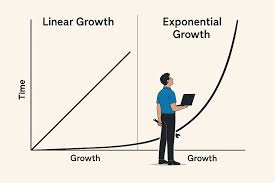
Many technologies, especially in computing and artificial intelligence, follow an exponential growth pattern. This means their capabilities double over regular intervals. We’ve all heard of Moore’s Law – the number of transistors on a chip doubles roughly every two years. However, exponentials are deceptive because humans naturally think in linear terms (steady, gradual change).

Neuroplasticity or the human brain’s ability to change, adapt, and reorganize itself throughout life in response to experiences is slow. Exponential growth starts slow and then explodes. This can be misleading because it catches people off guard.

For example, early AI chatbots were weak, so many dismissed AI as a niche technology. But in just a few years, AI tools like ChatGPT, Midjourney, and autonomous agents will have transformed industries.

Use of AI tools in Universities and Courts will be commonplace, encouraged and integrated into curriculum and substantive law and procedure. Just like how mobile phones changed how we interact with technology, AI is changing what technology can do for us humans. This concept warns us to pay attention early to exponential trends—whether in AI, biotech, healthcare or climate change—because by the time they become obvious, they might be unstoppable.

So fast will be the pace of change.

Get ready my friends.

Artificial Intelligence – Designing the Future of Humanity


Artificial intelligence and the autonomous systems that embed it have become the brains of the modern data economy. As such, they have started to reshape human values, trust, and power around the world. Whether in law, medicine, money, or love, technologies powered by forms of artificial intelligence are playing an increasingly prominent role in our lives.


New AI technologies can help drive cars, treat damaged brains and nudge workers to be more productive, but they also can threaten, manipulate, and alienate us from others. They can pit nation against nation, but they also can help the global community tackle some of its greatest challenges from food crises to global climate change.

As we cede more decisions to thinking machines, we face new questions about staying safe, keeping a job and having a say over the direction of our lives.


How AI evolves and what role it takes in our lives for better or worse, might depend on our race, gender, age, behaviour, cognitive capacity or nationality.


This presents manifold ethical and cross-cultural dilemmas.

What will artificial intelligence mean for law as we know it?


Artificial intelligence is set to profoundly reshape the future of law by enhancing efficiency, accuracy, and access to justice. AI tools can streamline legal research, automate document review, and predict case outcomes, reducing the time and cost of legal services. Smart contracts and AI-driven compliance systems may transform commercial transactions and regulatory oversight.

While AI cannot replace human judgment or ethical reasoning, it will augment lawyers’ capabilities, allowing them to focus on higher-order tasks.

As the law evolves to address AI’s own legal and ethical implications, practitioners must adapt, ensuring technology serves justice, not subverts it.

AI Judges Working from Home

The product of all Gen AI generated research, even if apparently polished and
convincing, should be closely and carefully scrutinised and verified for accuracy, completeness, currency and suitability before making any use of it. Gen AI research should not be used as a substitute for personal research by traditional methods.